

 Italiano
 Español
Windows Server Essentials Dashboard is an interesting tool that facilitates the management of an Active Directory Domain. Once a feature available uniquely on Windows Server SBS, you can now install it on every Windows Server 2012 or 2012 R2.
The installation process involves the addition of a role. Quite an easy procedure.
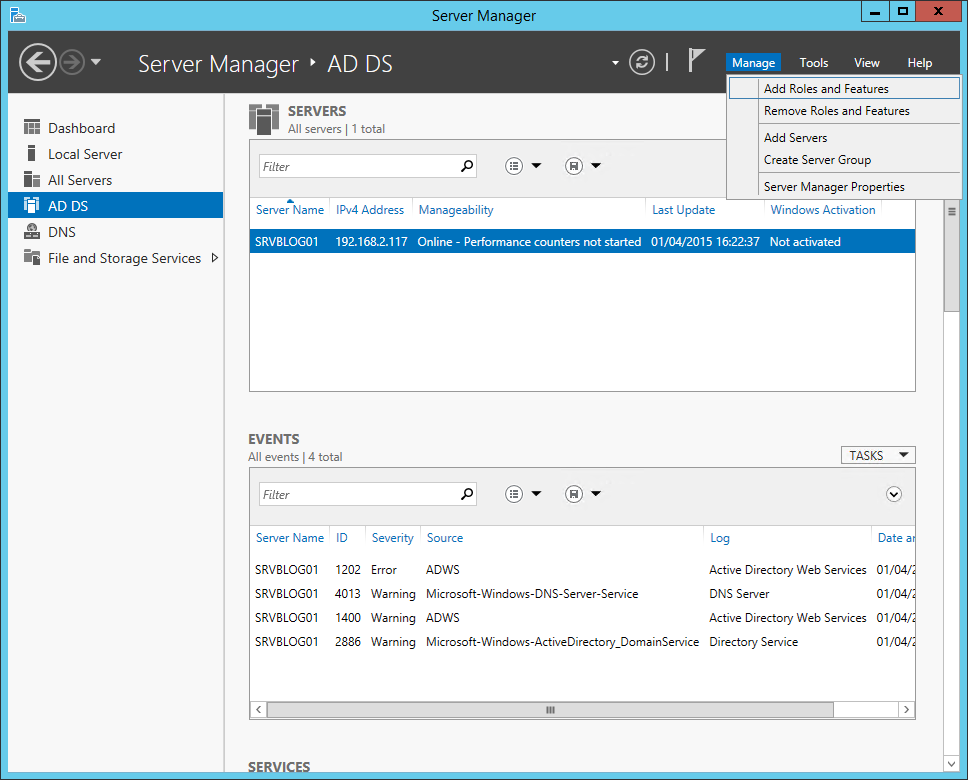
Launch the Server Manager and click Add Roles and Features:
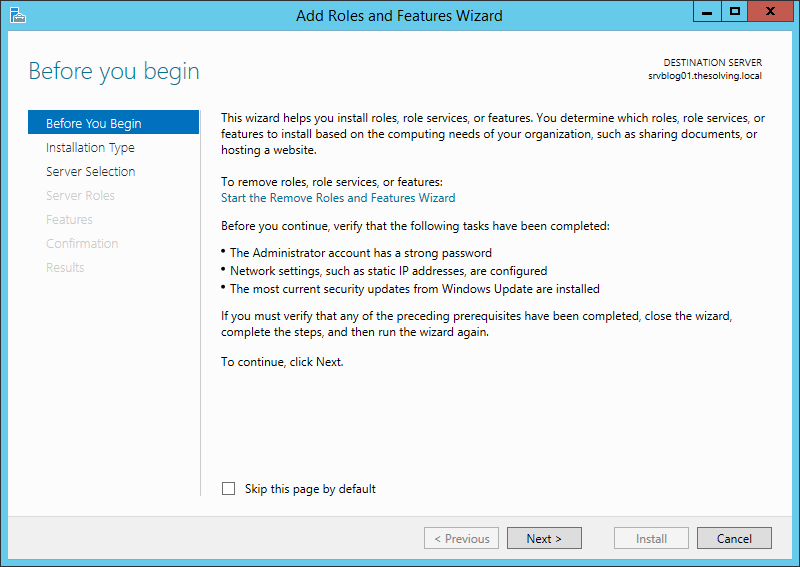
Click Next:
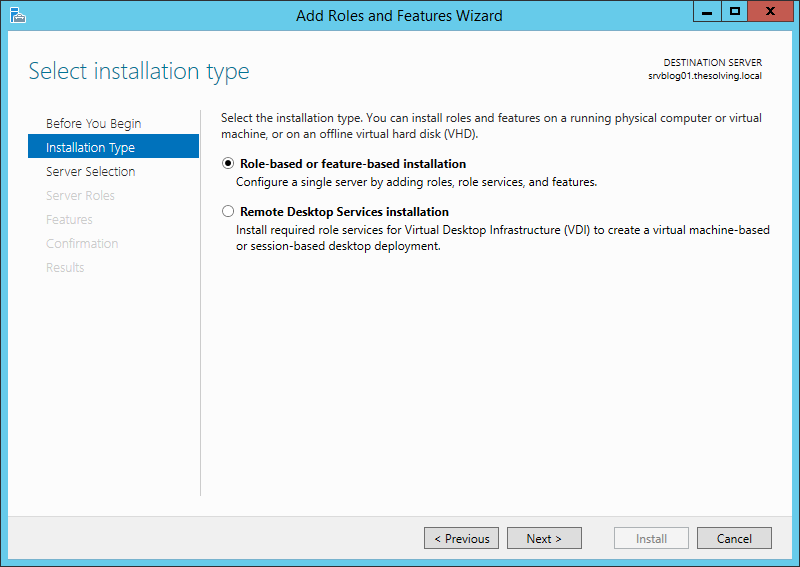
Role-based or feature based installation is fine:
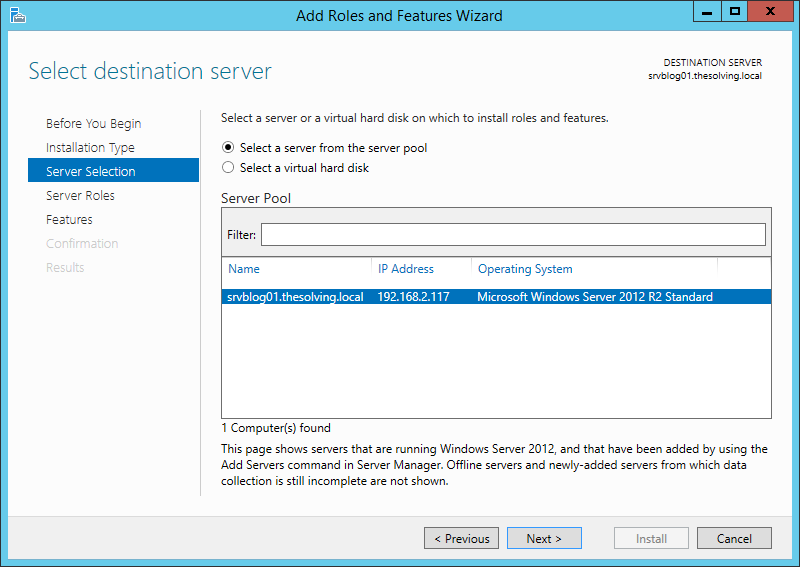
Select the server and click Next:
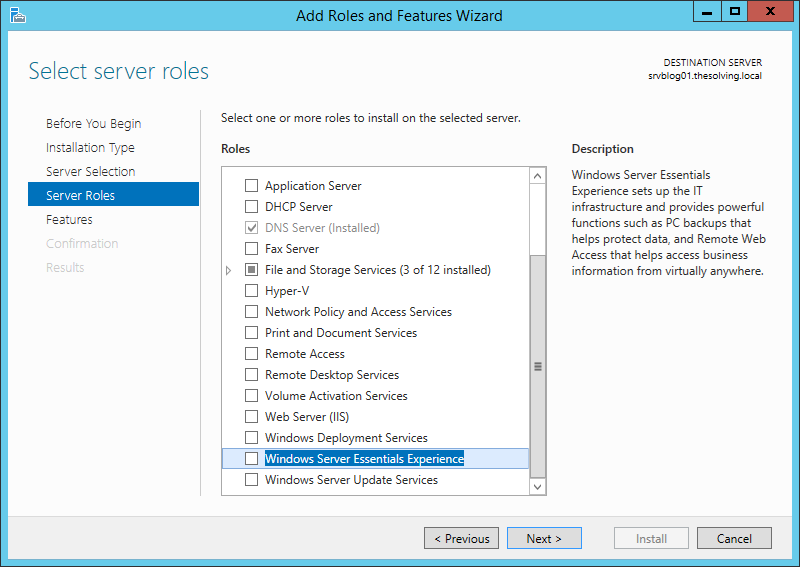
Select Windows Server Essentials Experience:
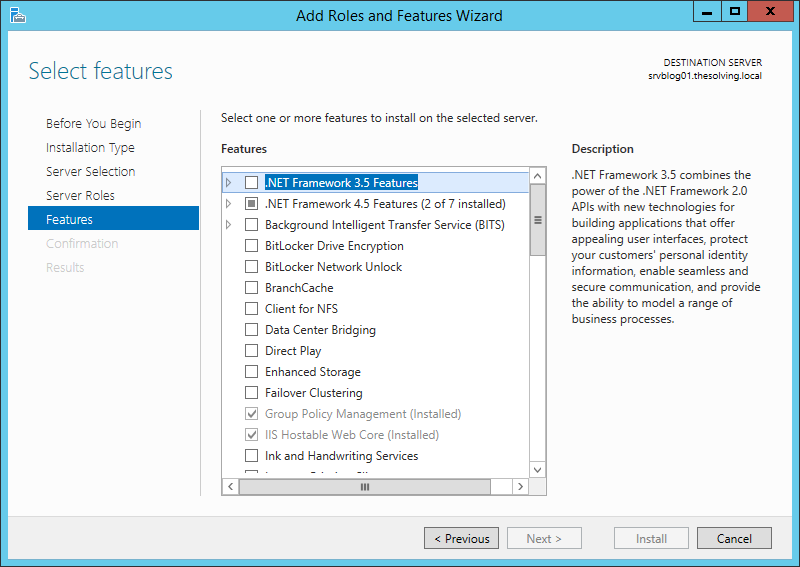
Ignore the Features tab:
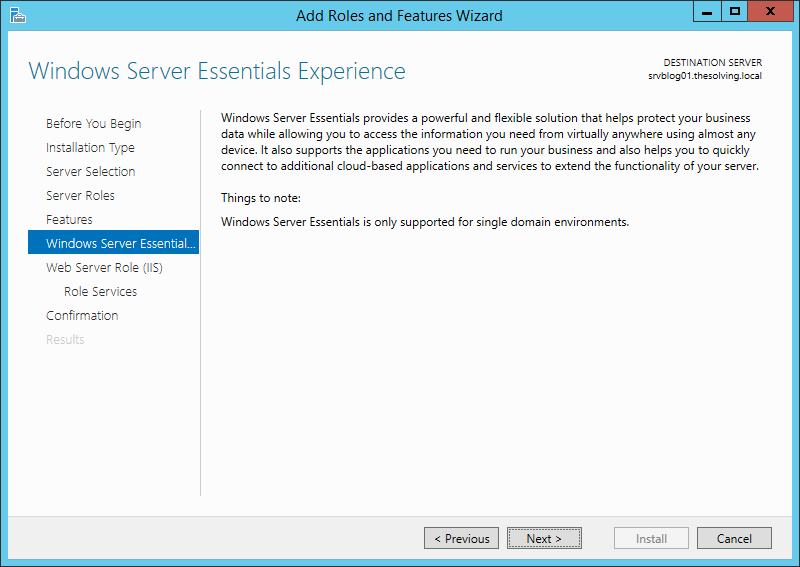
Click Next:
Click Next:
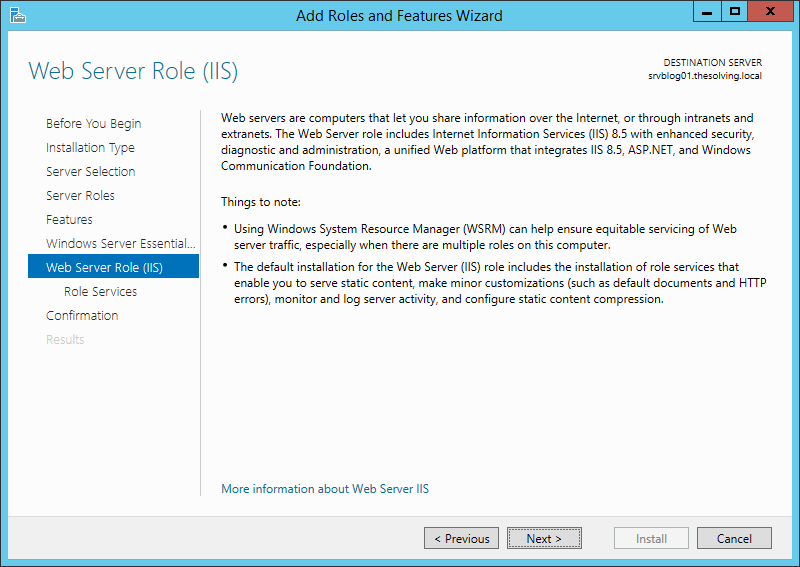
The system installs IIS if not present:
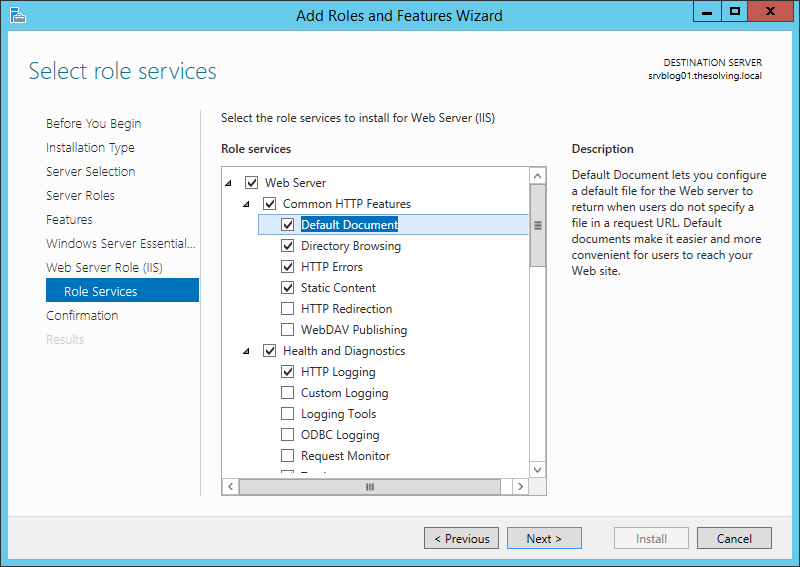
Confirm the installation:
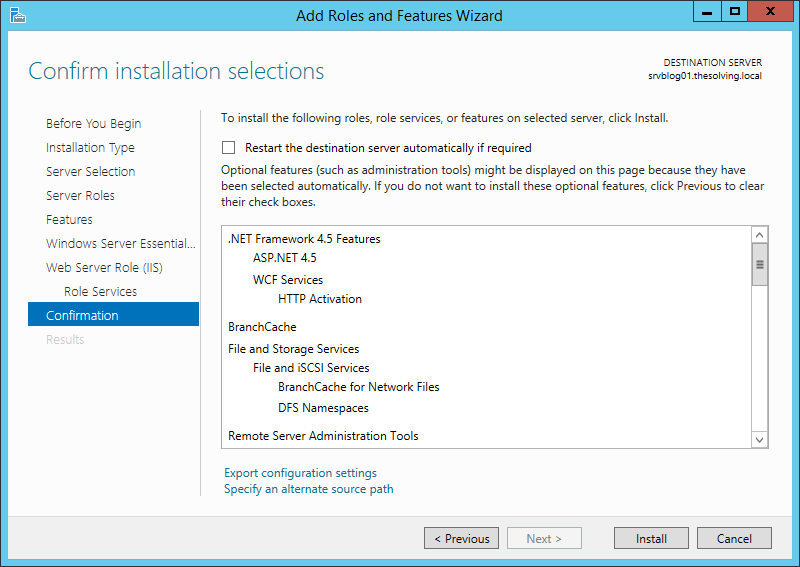
Close and go back to the Server Manager:
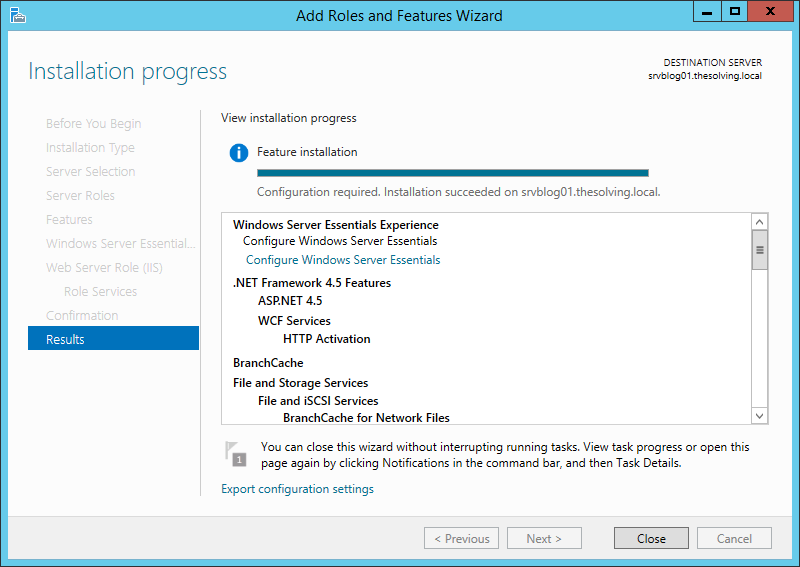
An alert will appear after the completion of the role installation. Click Configure Windows Server Essentials:
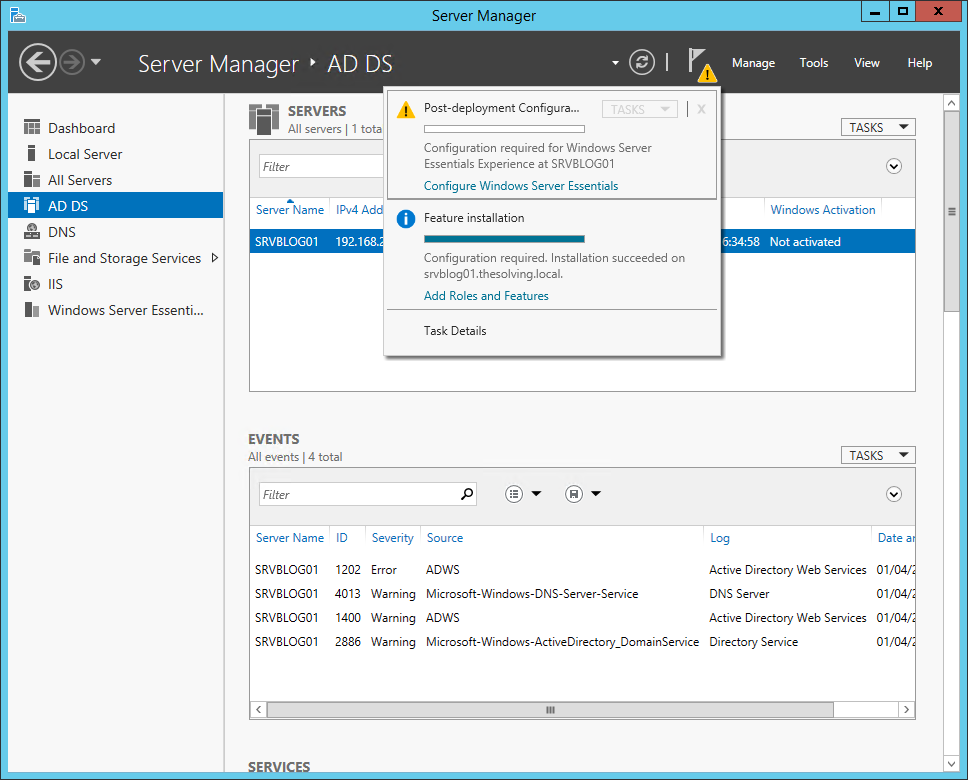
Wait for it..
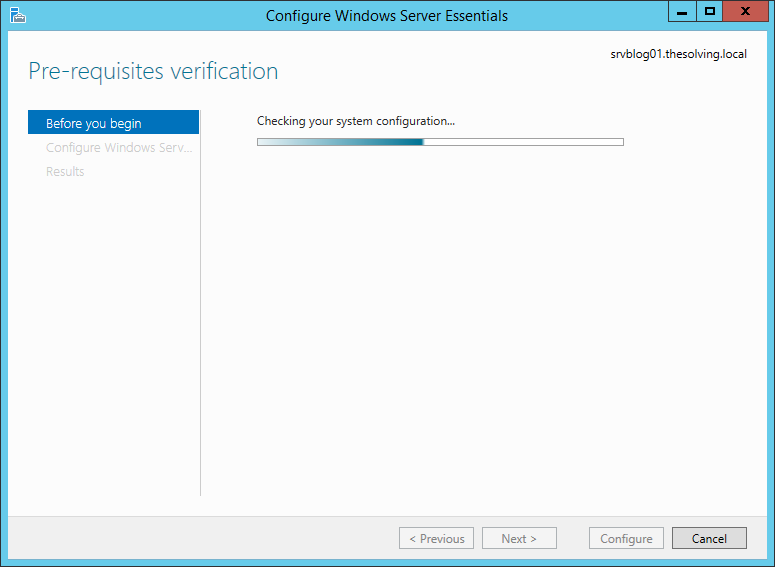
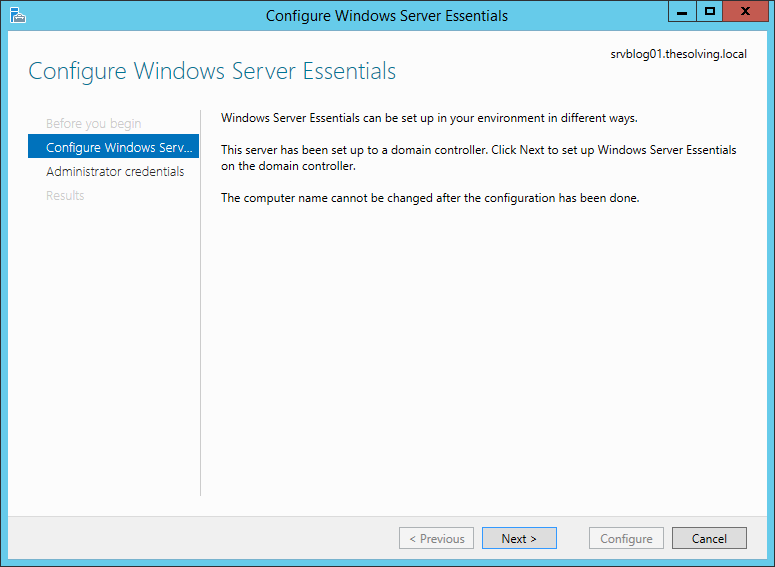
Click Next:
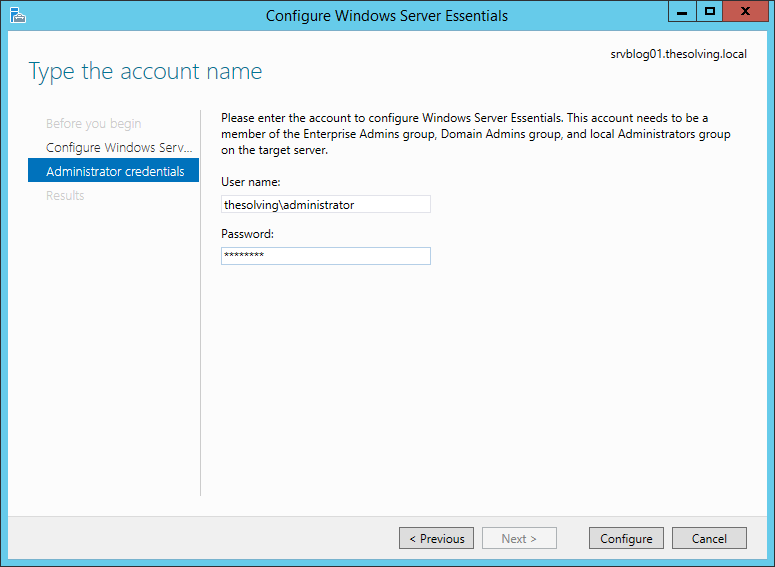
Specify an Enterprise Admin or a Domain Admin account:
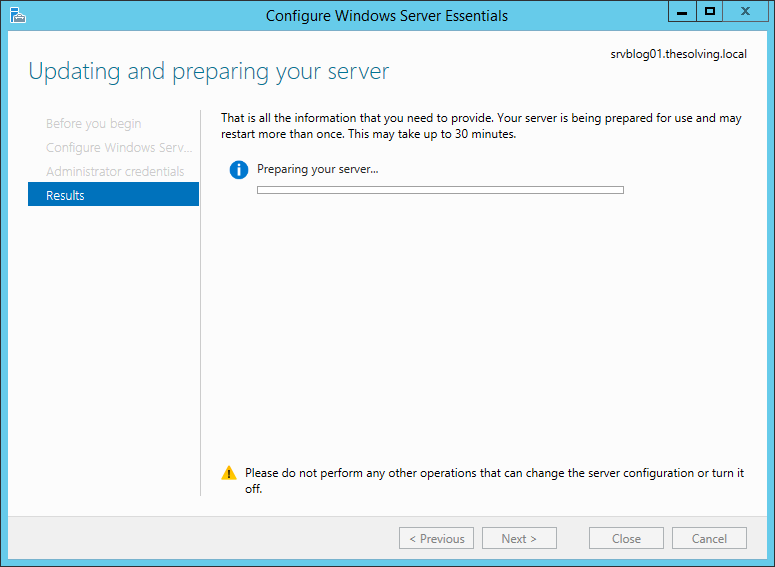
Wait for it.. again..
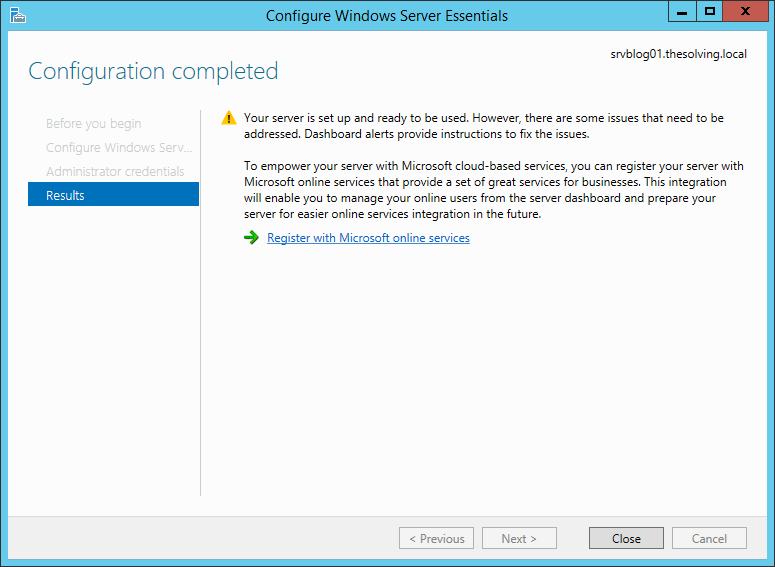
Click Close:
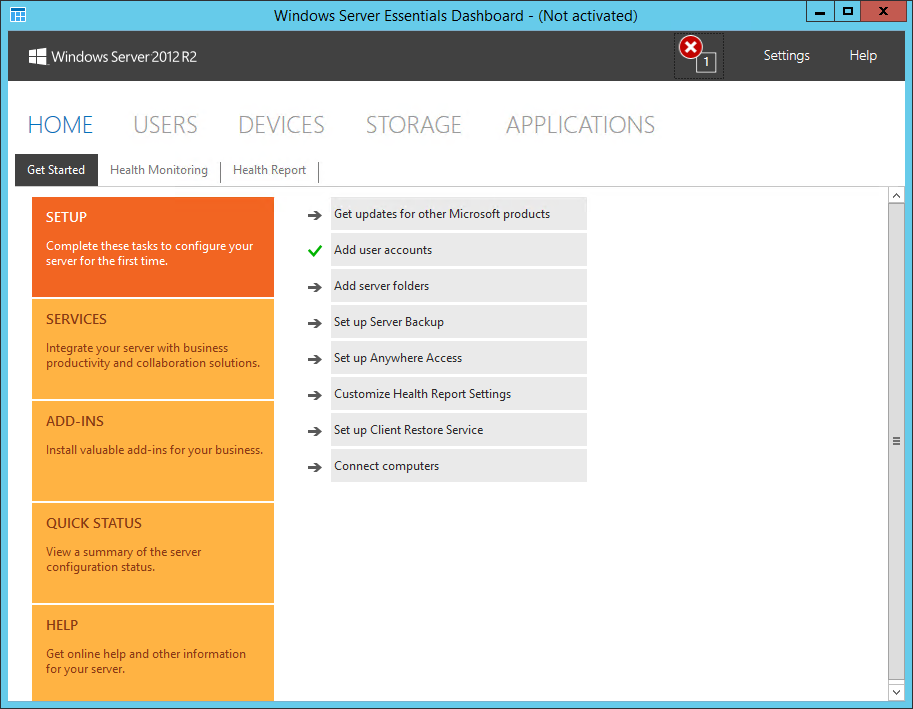
You’re ready to enjoy your brand new Windows Server Essentials Dashboard:
Read related articles
Configuring and using Windows Deployment Services (WDS)
A 2026 guide to WDS: installation, PXE boot, boot/install images, and the limitations introduced with Windows 11 and Server 2025.
How to install and configure Windows Server Update Services (WSUS)
How to install and configure WSUS in 2026: client groups, approval rules, database maintenance, and the critical CVE to patch.
Sysprep in 2026: practical guide for sysadmins and MSPs
What Sysprep is, when to use it, and how to properly generalize a Windows image before distribution or cloning.