

 Italiano
 Español
Let’s see how to enable the SSH shell of an VMware ESXi host version 5.5.
The first step is to download the vSphere Client 5.5 using this link.
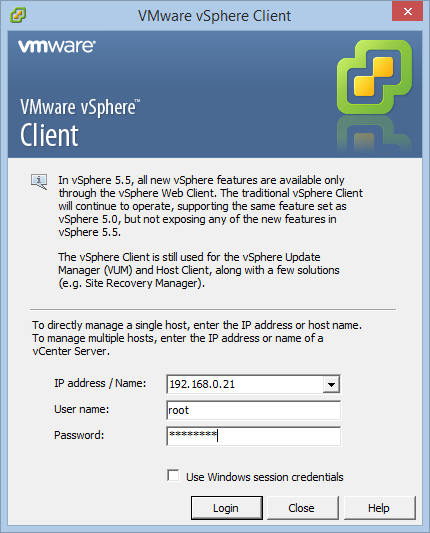
Install the package and open the application. Specify the IP address of the ESXi host and the user credentials:
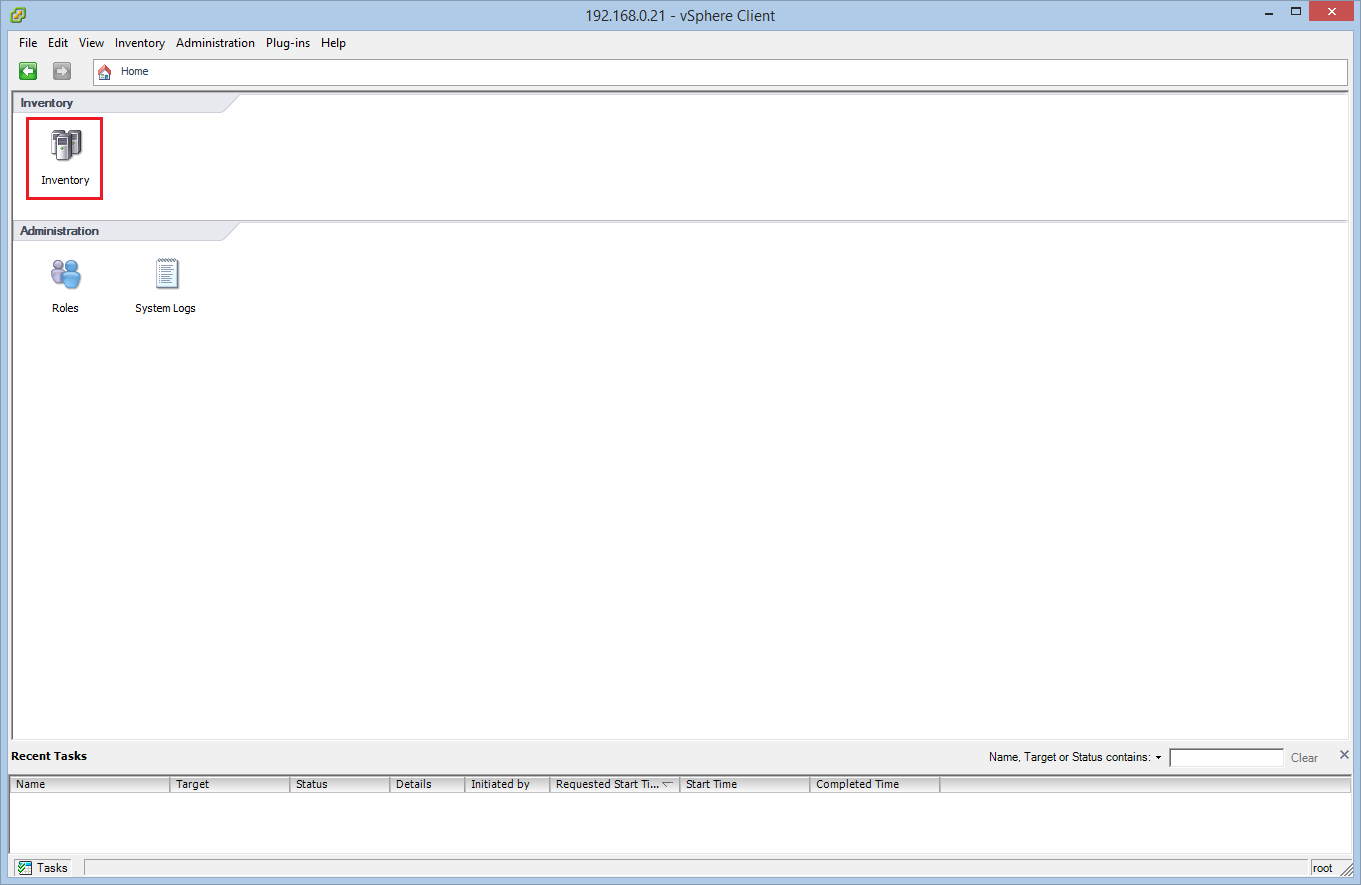
The click on Inventory:
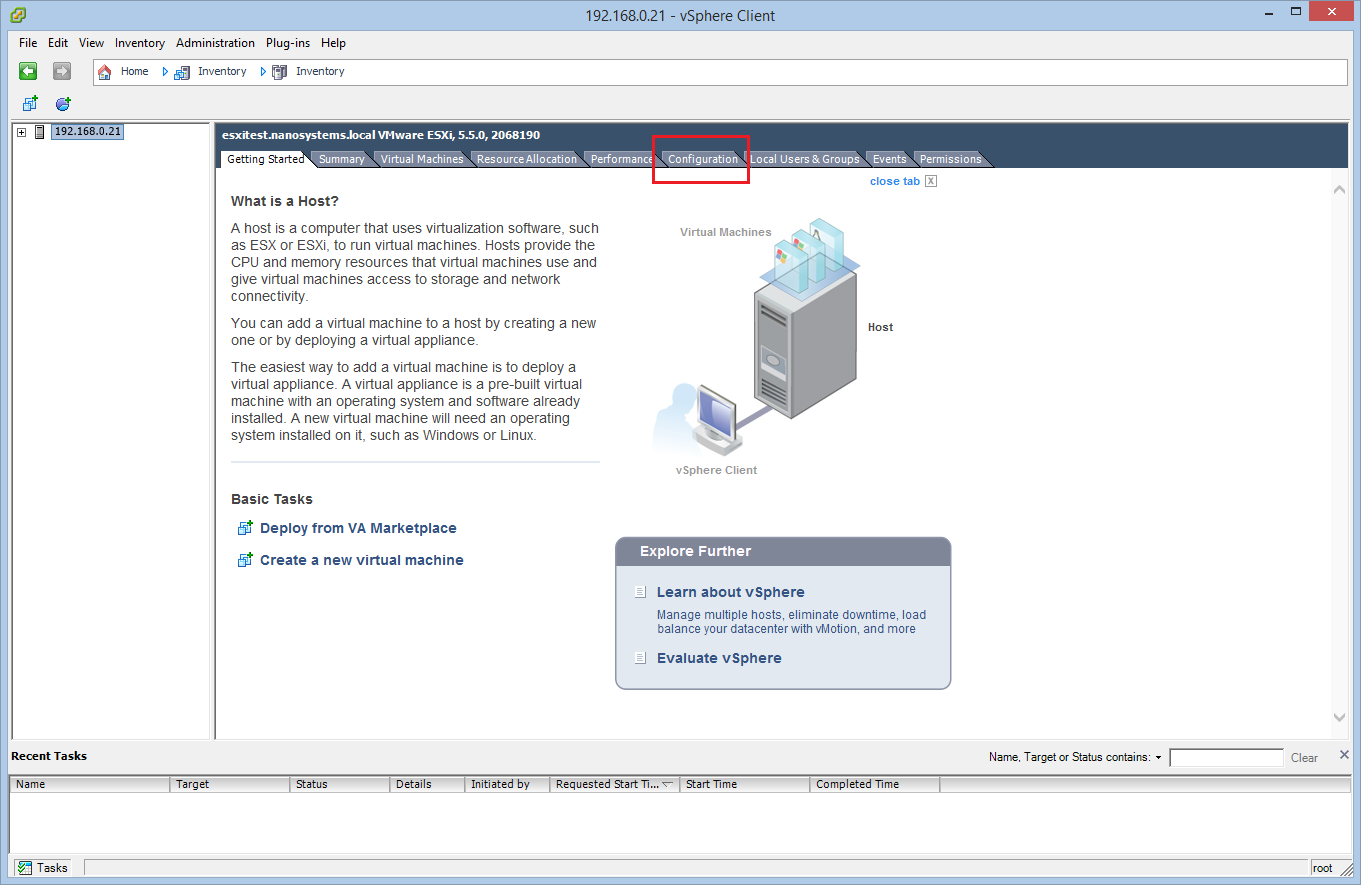
Select from the left list the ESXi host and click on Configuration:
Click on Security Profiles and then on Properties:
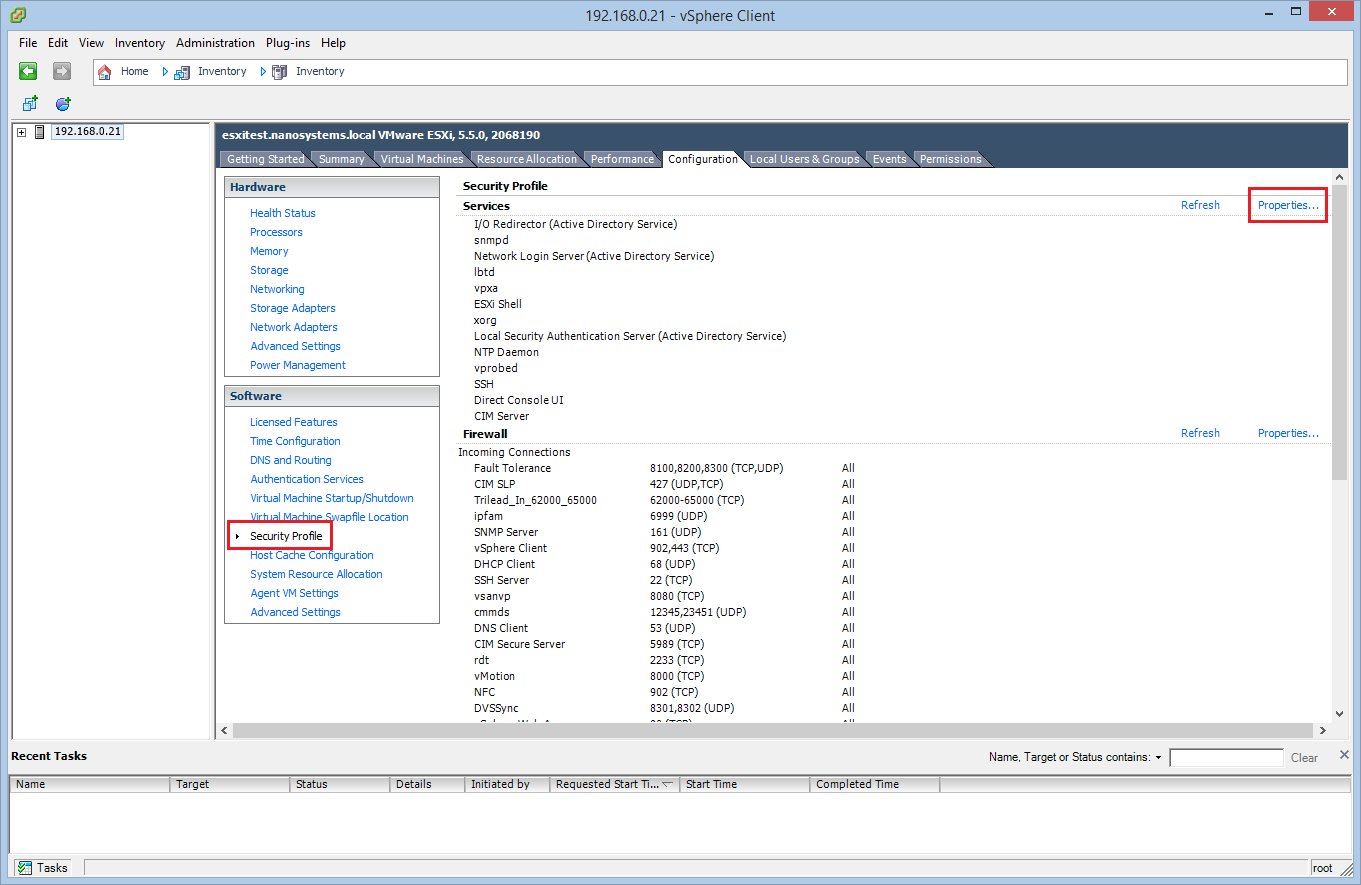
You will find the SSH daemon stopped. Select it and click on Options:
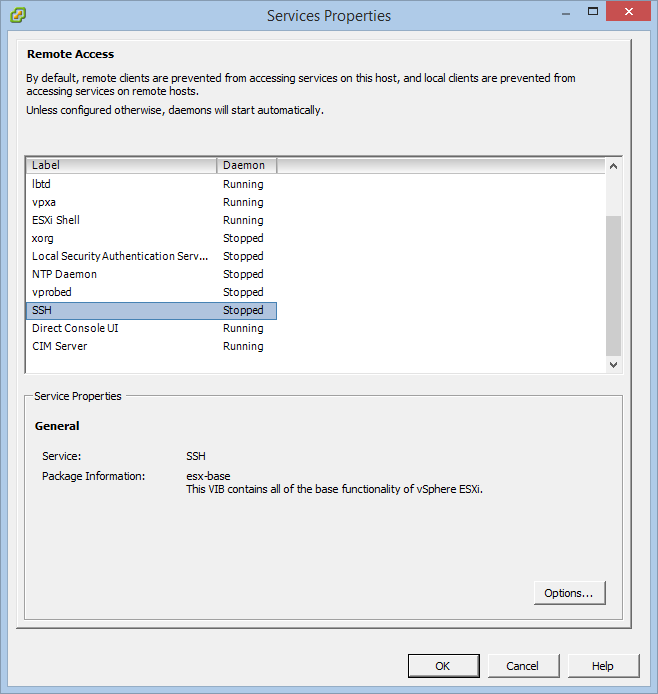
Select Start and stop with host and click on Start:
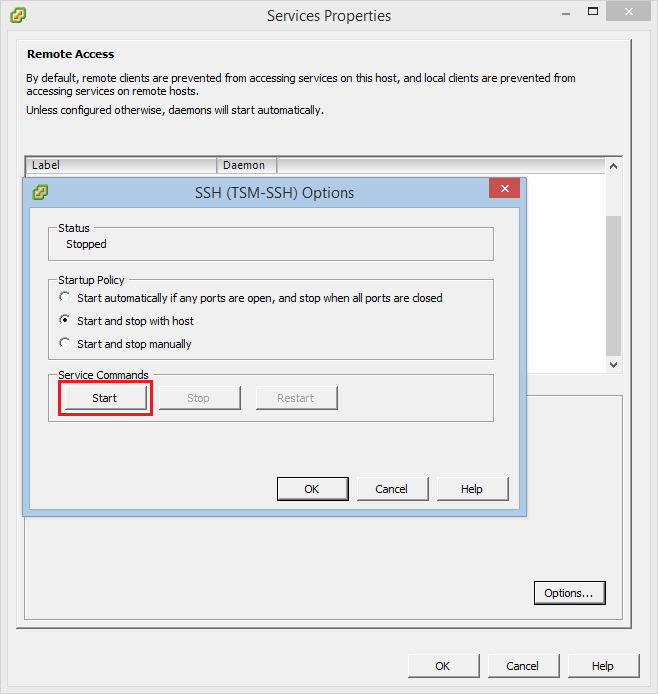
The SSH daemon is up and running now! It’s time to use it :)
Read related articles
How to install and configure VMware ESX 9.1 in 2026
Install and configure VMware ESX 9.1 (formerly ESXi) step by step: hardware requirements, ISO download from the Broadcom portal, DCUI network setup, Host Client access and the new licensing model.
VMware vSphere Client in 2026: how to access and manage vCenter
There is no VMware vSphere Client to download in 2026. Access vCenter through the built-in HTML5 client at https:///ui, manage standalone ESXi hosts via the Host Client, and automate with VCF PowerCLI. This guide covers the free ESXi Hypervisor, VCF 9, support timelines, and migration paths for MSPs.
Install VMware ESXi on a Hyper-V
It is possible to use nested virtualization to run VMware ESXi as a Virtual Machine in Hyper-V. To some, this